Make a Real Estate Flyer That
Gets Results—Not Just Glances
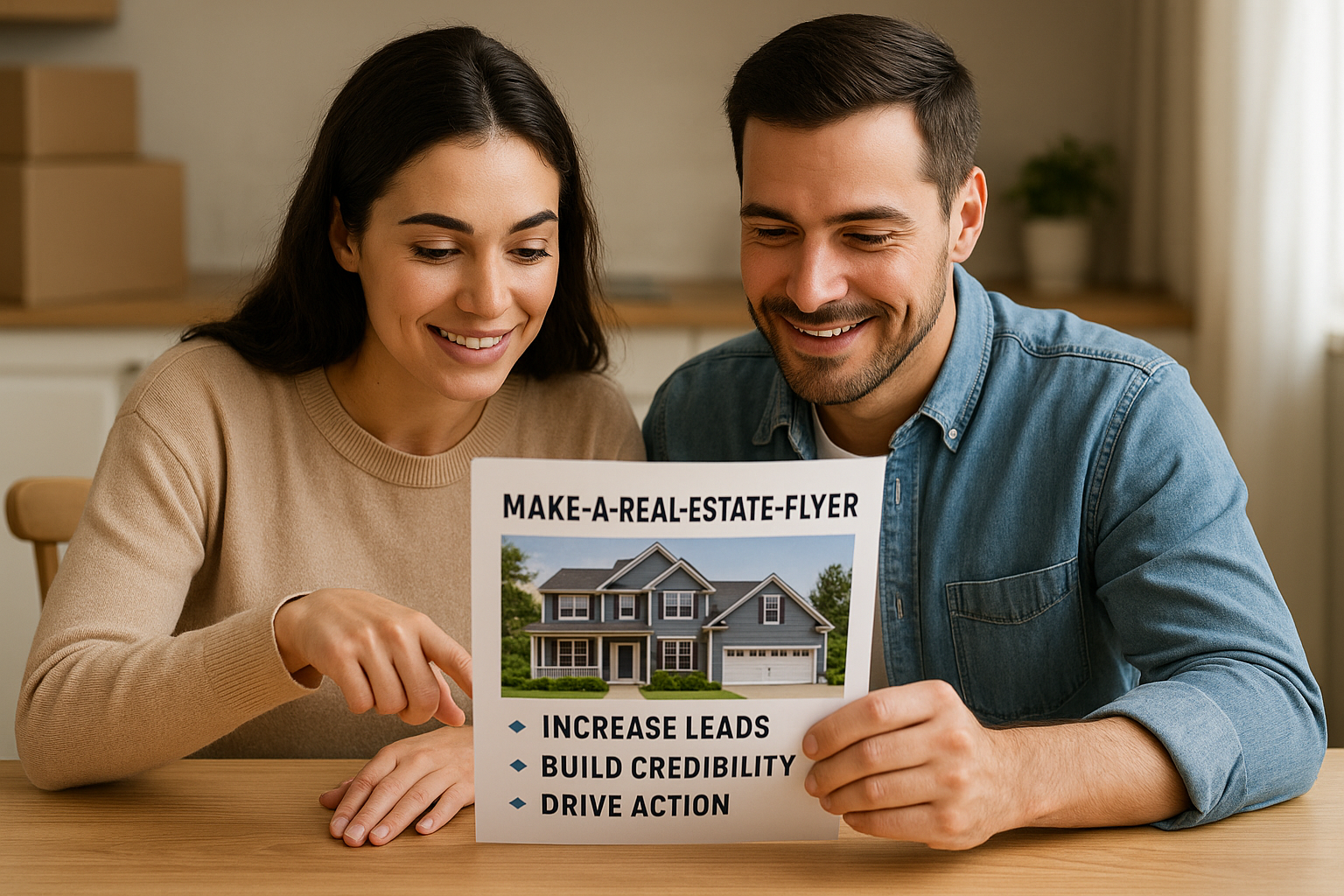 Make a real estate flyer that they can't ignore. Flyers don’t sell homes - great flyers do.
If you want to make a real estate flyer that stands out, you need more than just a pretty layout—you need strategy. Not just a generic list of features, a blurry photo, and a phone number tucked at the bottom. We're talking about a flyer that sells—one that grabs attention, sparks interest, and compels action. Because in a competitive market, your flyer isn’t just a piece of paper—it’s your front-line marketing weapon.
Let’s break down what separates a forgettable flyer from one that gets responses, appointments, and offers.
First Things First: Know the Flyer’s Purpose
Before you jump into Canva or start tweaking templates, ask yourself: What’s the goal of this flyer? Is it to:
-
Market a listing?
-
Generate buyer leads?
-
Promote an open house?
-
Farm a neighborhood?
- Introduce yourself to FSBOs or expired listings?
When you know the purpose, you’ll know what to emphasize—and what to leave out.
Layout: Keep It Clean, Not Cluttered
Layout: Keep It Clean, Not Cluttered
You’ve only got a few seconds to catch someone’s eye. That’s why smart design matters. To make a real estate flyer that performs, start with a layout that:
- Has a clear visual hierarchy (headline, image, supporting copy, CTA)
- Uses white space strategically for readability
- Incorporates high-resolution photos
- Limits fonts to 2–3 complementary styles
- Stays consistent with your brand (colors, logo, voice)
If it looks too busy or disorganized, it’ll get tossed. Simplicity wins.
The Hero Image: Sell the Dream, Not Just the Room
Your main photo should do more than show the property—it should sell a lifestyle. Use a wide-angle exterior or a beautifully staged interior as your hero image. Avoid dark, blurry, or outdated photos. If you're farming a neighborhood or promoting your services, use a professional headshot or an engaging brand image instead.
Hot tip: Try using captions beneath your photos to draw attention to unique features.
Headlines That Hook
Forget "Charming 3BR/2BA Home." That’s a description, not a headline. Instead, use emotion, benefits, or urgency.
Try:
-
"Fall in Love with This Backyard Oasis"
-
"Move-In Ready & Priced to Sell Fast"
-
"Why This Home Won’t Last the Weekend"
- "Stop Renting. Start Owning—This Home Qualifies for 0% Down!"
Good flyers speak to desire—not just data. Make your headline impossible to ignore.
Write Like a Marketer, Not a Reporter
Bullet points are great—but they shouldn't read like a laundry list. Instead of:
- 3 Bedrooms
- 2 Baths
- New Paint
Say something like:
- Three spacious bedrooms, perfect for work-from-home flexibility
- Two modern baths with spa-like finishes
- Fresh interior paint—move-in ready without the hassle
Use language that frames features as benefits. Make people want what you're offering.
Your CTA: Tell Them Exactly What to Do
This is where many flyers fail. They showcase the house, drop a phone number, and leave it at that. But you’re not just sharing information—you’re guiding action.
Your call-to-action (CTA) should be:
- Clear: “Call now for a private showing”
- Urgent: “Open House This Saturday—Don’t Miss Out”
- Incentivized: “Text ‘INFO’ to 555-1212 for instant details”
- Simple: “Scan the QR code to view more photos”
Include only one primary CTA. Too many options lead to none being followed.
Branding: Make Sure They Remember You
Every flyer should reinforce your identity. That means:
-
Your name and title (e.g., Licensed Agent)
-
Your photo (people trust faces)
-
Your brokerage or company logo
-
Consistent colors and fonts
- Your contact info (phone, email, website, social media)
Bonus: Use a short testimonial quote or recent sale stat to build trust and credibility. Something like:
“Sold in 4 days, $12K over asking—ask me how!”
Delivery: Put It Where It’ll Work
Once you make a real estate flyer that’s worth reading, make sure it actually gets seen.
-
Direct Mail: Still one of the most effective tools in real estate. Hand-deliver or use Every Door Direct Mail (EDDM) for farming.
-
Leave-Behinds: Put them in coffee shops, gyms, and co-working spaces with permission.
-
Email Flyers: Reformat your flyer into a digital version and send it through your CRM or email list.
- Social Media: Share your flyer graphic with a short post and relevant hashtags.
Use your flyer across multiple channels for maximum exposure.
Don’t Reinvent—Repurpose Your Process to Make a Real Estate Flyer Faster
You don’t have to start from scratch each time. Make a few master templates you can quickly customize for each listing or campaign. Tools like Canva, Adobe Express, or Microsoft Publisher make it easy, even if you're not a designer.
Need help with headlines and calls-to-action? We’ve got a powerful headline toolkit coming soon—designed for real estate pros but useful for any flyer or promotion.
Final Thought: Flyers Still Work (If You Do Them Right)
Print marketing isn’t dead—it’s just evolving. The key isn’t just to make a real estate flyer, but to make one with intentionality. One that speaks directly to your audience, positions you as the expert, and drives real results.
So the next time you need to stand out in a stack of mail or a crowded bulletin board, don’t settle for ordinary. Make a flyer that works as hard as you do.
Want help making high-performing flyers even faster?
Download our free guide:
👉 Eight Real Estate Flyer Ideas That Trigger Action
Home > Real Estate Flyer >> Make a Real Estate Flyer
🔥Top Pages April 2026

💌 Real Estate Marketing Talk Home Page→Timely Strategies and Resources for Agents
| Buyers, Sellers and Investors, Too!
🏷️ Real Estate Marketing Slogans →Magnetic Taglines That Pull Clients Toward You Instantly
🎯Real Estate Postcards →
Ideas that turn everyday mail into real estate magic.
📬Real Estate Agent Directory →
Free Listings and Profile Pages for Agents
📝 Real Estate Marketing Talk Blog → Ideas That Flip the Script on Agent Visibility
🚪 Your Gateway to Targeted Insights

👔 For Agents →
Branding tips, lead gen strategies & marketing tools to grow your business
🏡 For Buyers → Smart buying guides, market insights & negotiation tips for your next move
📦 For Sellers → Listing prep, pricing strategies & proven tactics to sell fast and profitably
💰 For Investors → ROI-focused content, property analysis tools & market trend breakdowns